أطلق تطبيق واتساب أداة جديدة ضمن ميزة الحالات تهدف إلى مساعدة المستخدمين على الاحتفاظ بمحتواهم دون فقدانه عند الخروج المفاجئ من شاشة التحرير، في خطوة تشبه أدوات «إنستغرام» و «فيس بوك».
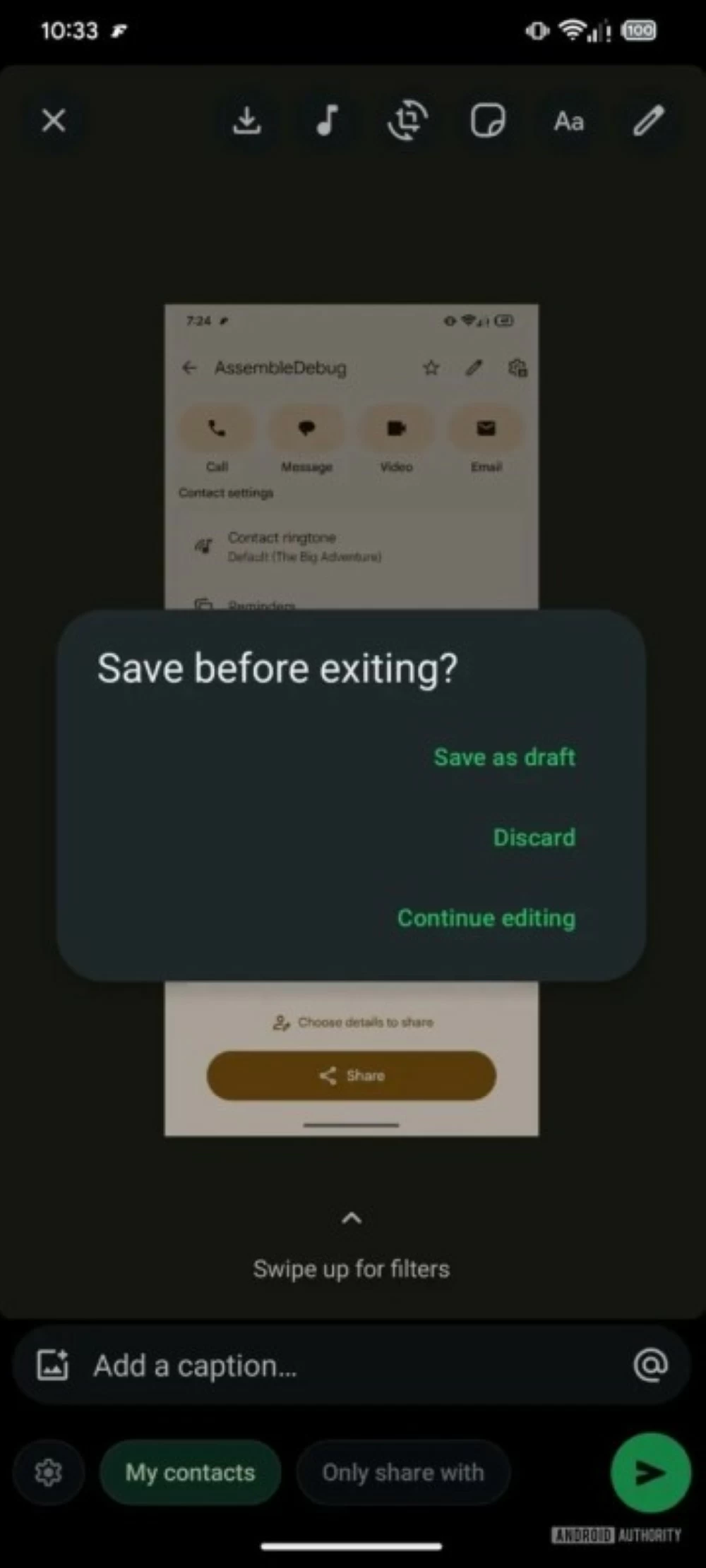
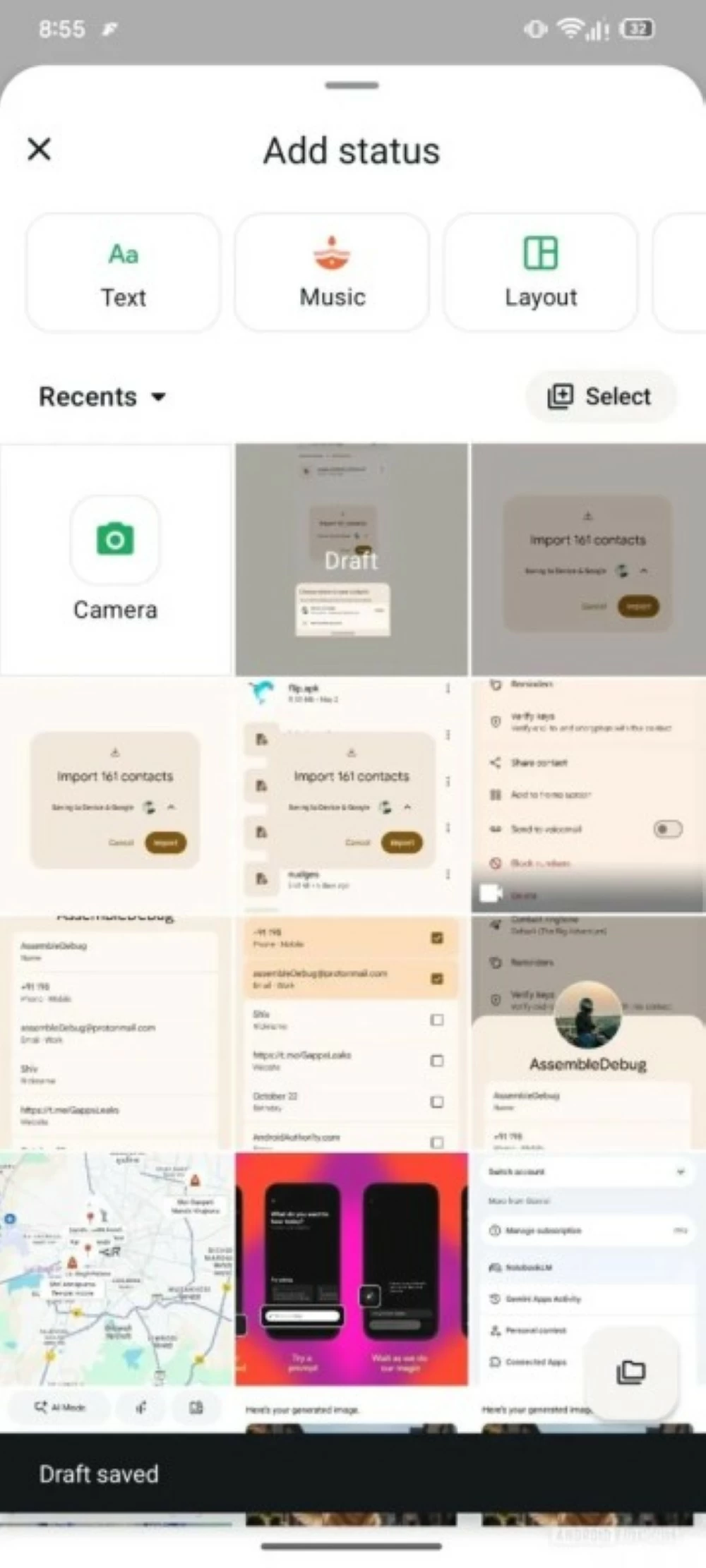
وتتيح النسخة التجريبية الحديثة حفظ الحالة كمسودة، مع نافذة تنبيهية تظهر عند محاولة الإغلاق تمنح خيارات: حفظ المسودة، متابعة التحرير، أو إلغاء المحتوى. وبهذه الطريقة، يمكن للمستخدم استكمال أفكاره غير المكتملة في أي وقت لاحق عند العودة إلى شاشة إنشاء الحالة.
**media«2621883»**
وشهدت الأشهر الأخيرة تعزيز أدوات الإبداع داخل ميزة الحالات، لتوفير مزيد من المرونة أثناء مشاركة المحتوى اليومي. ويأتي خيار المسودات ضمن هذه الجهود لتقليل فقدان الجهد الناتج عن الانقطاع المفاجئ بسبب مكالمة أو إشعار طارئ.
**media«2621884»**
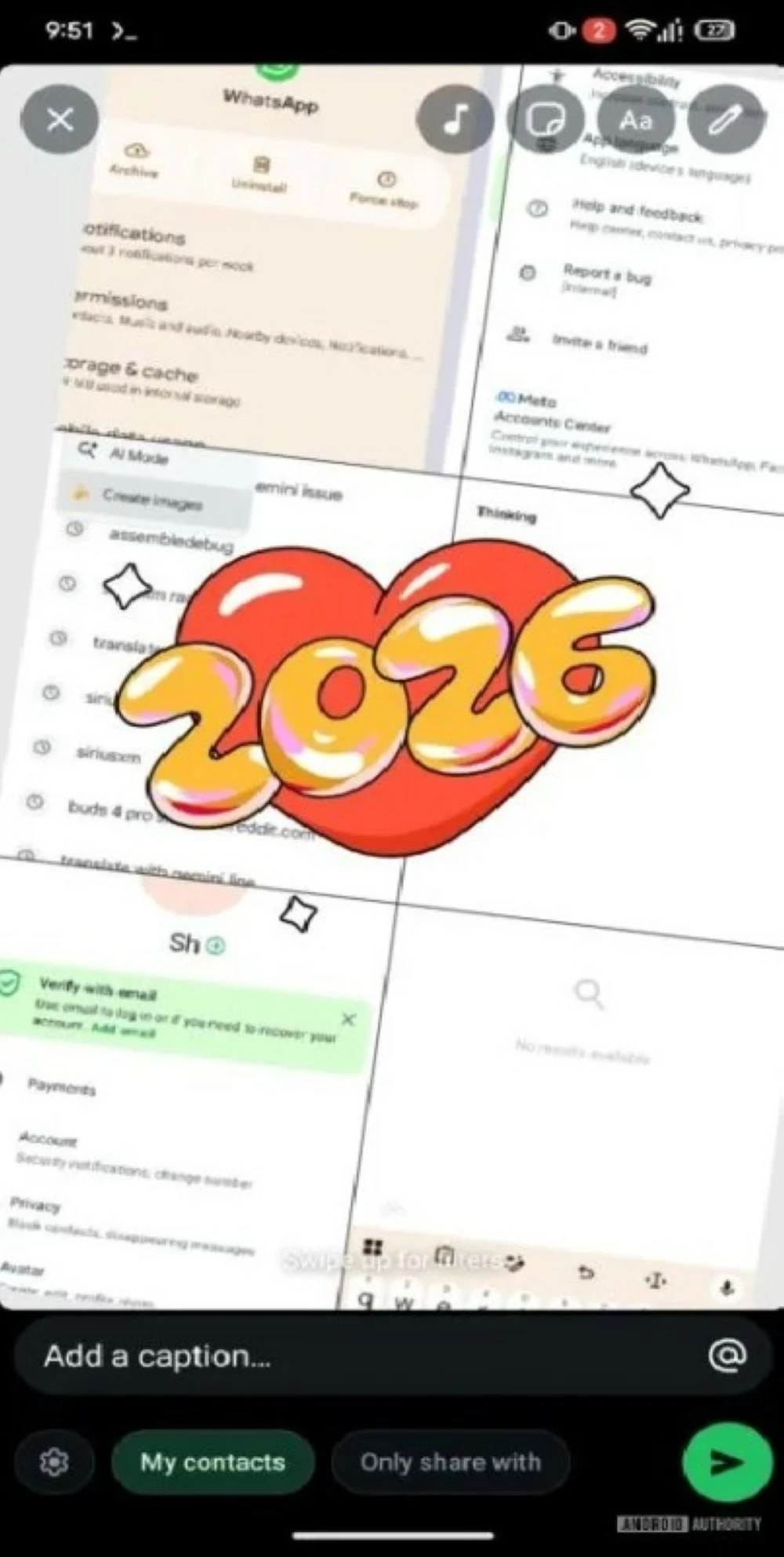
وفي سياق متصل، أضاف «واتساب» ملصقًا احتفاليًا لعام 2026 داخل ميزة تخطيط الحالات، مع إمكانية دمج أكثر من صورة في إطار واحد وتغيير لون الملصق بين الأخضر والأحمر والبنفسجي بسهولة أثناء التحرير.
**media«2621882»**
وتظهر هذه الأدوات الجديدة حاليًا في الإصدارات التجريبية، على أن يتم إتاحتها للمستخدمين حول العالم خلال التحديثات القادمة في الأسابيع القادمة.
WhatsApp has launched a new tool within the status feature aimed at helping users retain their content without losing it when unexpectedly exiting the editing screen, in a move similar to the tools of Instagram and Facebook.
The latest beta version allows saving the status as a draft, with a notification window appearing when trying to close, offering options: save the draft, continue editing, or cancel the content. This way, users can complete their unfinished thoughts at any later time when returning to the status creation screen.
**media«2621883»**
In recent months, creative tools within the status feature have been enhanced to provide more flexibility while sharing daily content. The draft option comes as part of these efforts to reduce the loss of effort caused by sudden interruptions due to a call or emergency notification.
**media«2621884»**
In a related context, WhatsApp has added a celebratory sticker for 2026 within the status layout feature, with the ability to combine multiple images into one frame and easily change the sticker color between green, red, and purple during editing.
**media«2621882»**
These new tools are currently appearing in beta versions, and they will be made available to users worldwide in the upcoming updates in the coming weeks.