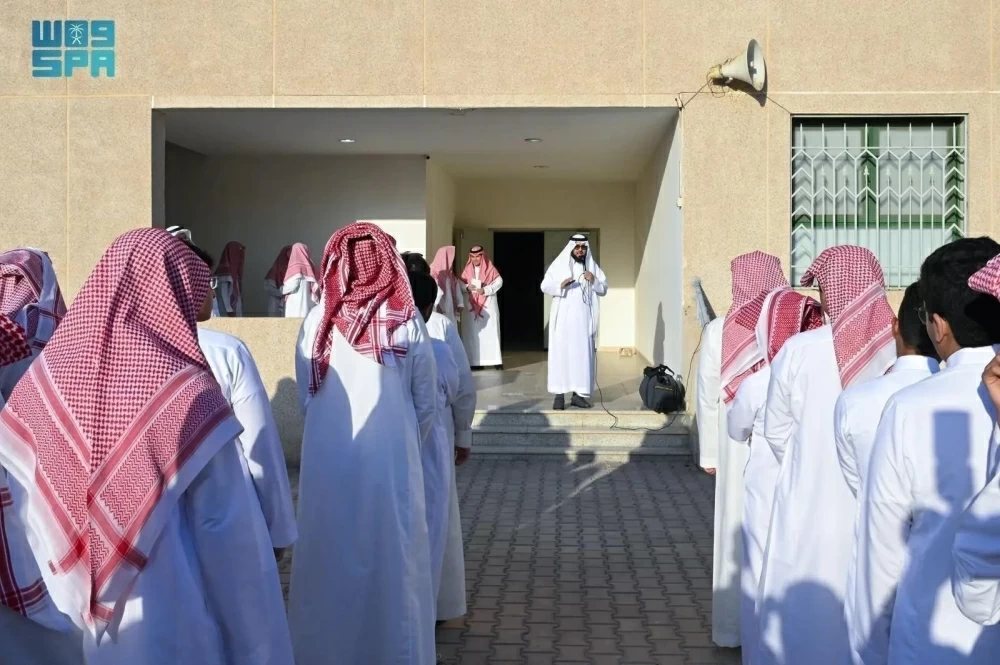
فوض دليل خدمات التخطيط المدرسي للمدارس في نظام «نور» مديري ومديرات المدارس بأربع خدمات.
وبين الدليل في إصداره الثاني الذي أصدرته إدارة التطوير والتحول (قسم التخطيط المدرسي) بوزارة التعليم للعام 2026، أنه يهدف إلى تقديم نظرة عامة وشاملة عن الخدمات المقدمة من قسم التخطيط المدرسي للمدارس وتوضيح آلية الاستفادة من هذه الخدمات في نظام نور من خلال إطار واضح ومنهجي.
تسجيل الدخول
وأوضح الدليل أن هذه الصلاحيات تشمل خدمة تعديل ميزانية الفصول (فتح، إغلاق)، وخدمة زيادة أعداد الطلاب، الطالبات، وخدمة تحديث الموقع الجغرافي للمدرسة، وخدمة تغيير أو تعديل اسم (مدرسة، برنامج)، مشيراً إلى أن تسجيل الدخول يتم من حساب مدير المدرسة عن طريق بوابة النفاذ الوطني أو بوابة الدخول الموحد، بحيث يتم رفع الطلب للخدمة المخصصة ومن ثم إرفاق المستندات المطلوبة وبعدها إرسال بلاغ في الدعم الفني (بلاغ غير تقني) وتحميل الاستمارة في المرفقات.
The School Planning Services Guide for Schools in the "Noor" System Delegates School Principals with Four Services.
The guide, in its second edition issued by the Development and Transformation Administration (School Planning Department) at the Ministry of Education for the year 2026, aims to provide a comprehensive overview of the services offered by the School Planning Department to schools and to clarify how to benefit from these services in the Noor system through a clear and systematic framework.
Login
The guide clarified that these permissions include the service for modifying class budgets (opening, closing), the service for increasing the number of students, the service for updating the geographical location of the school, and the service for changing or modifying the name (school, program). It pointed out that login is done through the school principal's account via the National Access Portal or the Unified Login Portal, where the request for the designated service is submitted, followed by attaching the required documents and then sending a technical support ticket (non-technical ticket) and uploading the form in the attachments.